
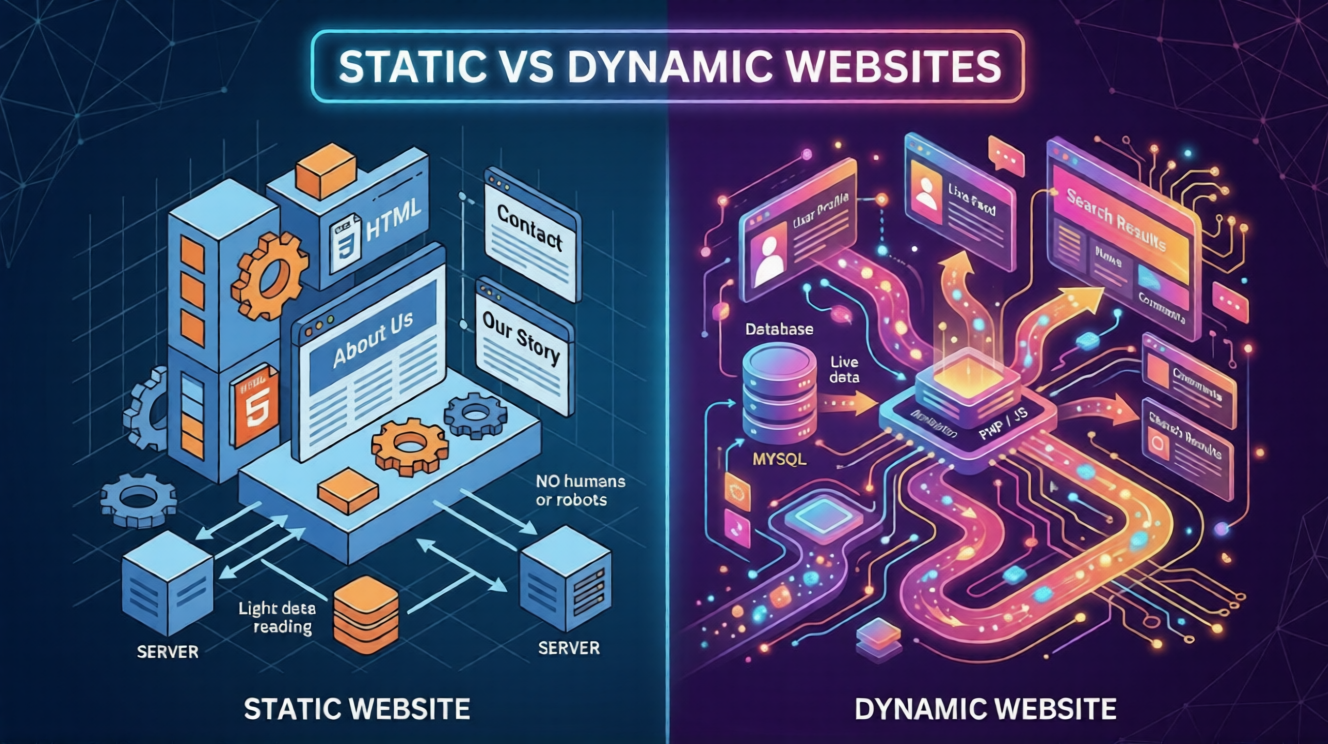
Difference Between Static and Dynamic Websites
Understanding Websites the Right Way
If you are starting your journey in web development, one of the first concepts you’ll come across is:
Static vs Dynamic websites
At first, it may sound technical.
But once you understand it, everything becomes much clearer.
If you are looking to understand the difference between static and dynamic websites, this guide will explain it in the simplest way possible with real examples.
What is a Static Website?
A static website is a website where content remains the same for every user.
Key Features:
- Fixed content
- No real-time updates
- Built using HTML and CSS
Example:
A simple portfolio website where information does not change frequently.
Every visitor sees the same content.
What is a Dynamic Website?
A dynamic website shows different content based on user interaction or data.
Key Features:
- Content changes dynamically
- Uses databases
- Built using languages like PHP, JavaScript
Example:
- Social media websites
- E-commerce platforms
Content changes based on user actions.
Static vs Dynamic Websites
| Feature | Static Website | Dynamic Website |
|---|---|---|
| Content | Fixed | Changes Dynamically |
| Complexity | Simple | Complex |
| Speed | Fast | Slightly Slower |
| Development | Easy | Advanced |
| Cost | Low | Higher |
| Use Case | Portfolio, Simple Sites | E-commerce, apps |
Step-by-Step Way to Understand Static and Dynamic Websites
Step 1: Learn What a Website is Made Of
Start by understanding basic structure:
- HTML (structure)
- CSS (design)
Step 2: Understand Static Websites First
Learn how simple websites work:
- Fixed content
- Same for all users
Try building a simple portfolio page
Step 3: Move to Dynamic Websites
Understand how content changes:
- User interaction
- Database usage
Example: login system or blog
Step 4: Explore Real Tools Like WordPress
WordPress helps you create dynamic websites without coding.
This is where beginners move from theory to practical work
Step 5: Practice with Real Projects
- Build a static page
- Convert it into a dynamic website
This builds real understanding
Understanding with a Simple Example
Static Website Example
A student creates a portfolio:
- Name
- Skills
- Projects
Content remains the same for all visitors.
Dynamic Website Example
An e-commerce website:
- Shows different products
- User login system
- Shopping cart
Content changes for each user.
When Should You Use a Static Website?
Use static websites when:
- Content is simple
- Updates are rare
- Budget is low
When Should You Use a Dynamic Website?
Use dynamic websites when:
- You need user interaction
- Content changes frequently
- You want advanced features
Which One Should Beginners Choose?
Start with static websites
Why?
- Easier to learn
- Helps understand basics
- Builds strong foundation
Then move to dynamic websites using tools like WordPress.
Static vs Dynamic Websites in Real Life
| Scenario | Best Choice |
|---|---|
| Student Portfolio | Static |
| Blog Website | Dynamic |
| E-commerce site | Dynamic |
| Company Info site | Static |
Common Mistakes Beginners Make
- Starting with complex dynamic websites
- Ignoring fundamentals
- Trying to learn everything at once
Start simple, then grow.
Why Understanding This Concept Matters
This is not just theory – it’s a core concept in web development.
Benefits:
- Helps in interviews
- Builds strong fundamentals
- Improves learning clarity
- Helps in project decisions
Student Example
A BTech student learns static websites first:
- Understands structure
- Builds simple projects
Then moves to dynamic:
- Uses WordPress
- Builds full websites
Result: Faster learning and better understanding.
How SiteGenius Helps You Learn Step-by-Step
Learning concepts randomly can be confusing.
You may:
- Not understand differences properly
- Skip important basics
- Feel lost
SiteGenius helps with:
- Structured learning roadmap
- Clear concept explanation
- Practical projects
- Career-focused training
You can:
- Explore the curriculum page to see skill modules
- Visit the admission page for batch details
- Attend the free Awareness session
FAQs- Difference between static and dynamic websites
1. What is the main difference between static and dynamic websites?
Static websites have fixed content, while dynamic websites show changing content.
2. Which is better for beginners?
Static websites are better for beginners.
3. Is WordPress static or dynamic?
WordPress creates dynamic websites.
4. Are static websites still used today?
Yes, especially for simple and fast-loading websites.
5. Can a static website become dynamic?
Yes, by adding backend functionality or using platforms like WordPress.
Conclusion: Build Strong Foundations First
Understanding the difference between static and dynamic websites is one of the first steps in becoming a web developer.
Don’t rush into complex things.
Start with basics.
Build simple projects.
Then move forward step by step.
And if you want to learn everything in a structured way with real projects, SiteGenius can help you turn your learning into real career opportunities.