
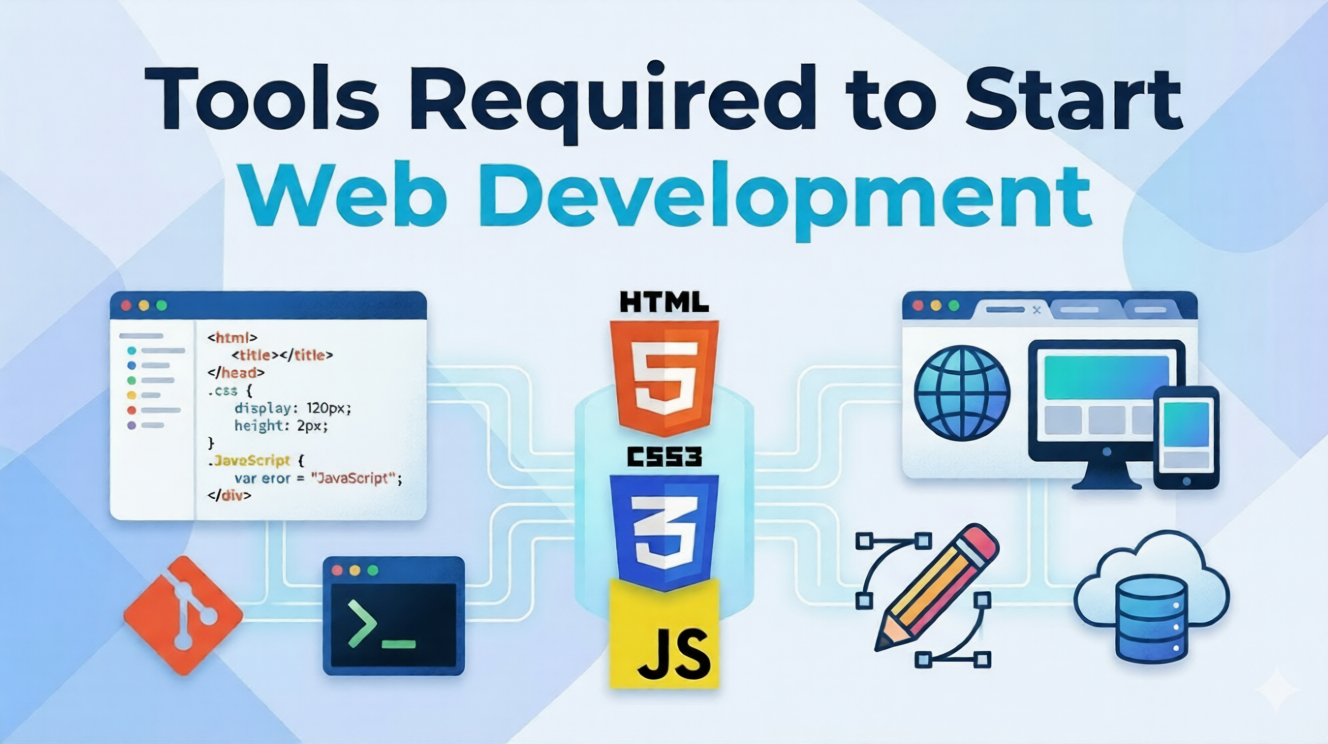
Tools Required to Start Web Development as a Student
You Don’t Need Expensive Setup to Start
If you’re a student in 11th or 12th, pursuing BA, BCA, BSc, B.Com, or Engineering, and thinking about learning web development, one question often comes up:
“Tools Required to Start Web Development as a Student?”
Many beginners assume they need:
- Expensive laptops
- Advanced software
- Complex coding tools
But the truth is:
You can start web development with just a few simple and mostly free tools.
In this guide, you’ll learn:
- The essential tools every beginner needs
- Free vs paid tools comparison
- How to set up your beginner toolkit
- Which tools to focus on first
Let’s simplify everything step-by-step.
Why Choosing the Right Tools Matters
Using the right tools from the beginning helps you:
- Learn faster
- Avoid confusion
- Build real projects
- Stay motivated
Think of tools like your study materials.
If you use the right ones, learning becomes easier and more effective.
Essential Tools to Start Web Development (Beginner Toolkit)
1. A Basic Computer or Laptop
This is your primary tool.
Minimum Requirements
- 4GB RAM (8GB recommended)
- Basic processor (i3 or equivalent)
- Internet connection
You don’t need a high-end system to begin.
2. Code Editor (Your Workspace)
A code editor is where you write and edit your code.
Popular Option
- Visual Studio Code (VS Code)
Why It’s Beginner-Friendly
- Free to use
- Lightweight and fast
- Supports multiple languages
- Easy extensions
Think of it as your digital notebook for coding.
3. Web Browser (Testing Your Website)
A browser helps you see how your website looks.
Recommended Browsers
- Google Chrome
- Microsoft Edge
Why It Matters
- Test your website
- Debug issues
- Check responsiveness
4. Internet Connection
You’ll need the internet to:
- Watch tutorials
- Download tools
- Host websites
- Research solutions
A stable connection makes learning smoother.
5. Version Control (Optional but Powerful)
Version control helps you manage changes in your code.
Popular Tool
- Git (with GitHub)
Benefits
- Save different versions of your project
- Collaborate with others
- Showcase your work online
6. Website Platform (For Beginners)
Instead of starting with complex coding, beginners can use:
- WordPress
Why It’s Important
- No coding required initially
- Easy to build websites
- Widely used in industry
This helps students create real websites quickly.
7. Design Tools (For Better Websites)
Good design makes your website look professional.
Beginner-Friendly Tools
- Canva
- Figma (basic use)
What You Can Do
- Create banners
- Design layouts
- Plan website structure
8. Local Development Environment
This allows you to build websites on your computer.
Tools
- XAMPP
- Local WP
Why Use It
- Test websites offline
- Practice without publishing
You don’t need everything at once. Start with these core tools.
Free vs Paid Tools: What Should Students Choose?
| Tool Type | Free Option | Paid Option | Recommendation |
|---|---|---|---|
| Code Editor | VS Code | Sublime Text | Start with free |
| Design Tool | Canva | Adobe tools | Free is enough |
| Hosting | Free (Limited) | Paid Hosting | Start free (Upgrade Later) |
| CMS | WordPress | Premium themes/plugins | Use free first |
Conclusion:
You can start web development with almost zero investment.
Step-by-Step Setup for Beginners
Follow this simple setup process.
Step 1: Install a Code Editor
Download and install VS Code.
Step 2: Install a Browser
Use Chrome or Edge for testing.
Step 3: Set Up Local Environment
Install tools like XAMPP or Local WP.
Step 4: Install WordPress
Set up WordPress locally or on hosting.
Step 5: Start Building
Create:
- A simple homepage
- A portfolio page
- A contact form
Real Example for Students
Let’s say you are a BCA student.
With just these tools, you can:
- Build a portfolio website
- Show your skills online
- Share your work with companies
This gives you a huge advantage over other students.
Why Learning These Tools Matters for Your Career
1. You Build Real Skills
These tools are used in the real industry.
2. You Become Job-Ready
Companies look for practical knowledge, not just theory.
3. You Can Start Freelancing
You can build websites for:
- Local businesses
- Shops
- Professionals
4. You Stay Ahead of Competition
Most students only study theory.
You will have practical experience.
Common Mistakes Students Should Avoid
- Installing too many tools at once
- Learning tools without building projects
- Switching tools frequently
- Ignoring basics
Focus on:
Few tools + more practice = faster growth
How the SiteGenius Web Development Program Helps You
Many beginners struggle because they don’t know:
- Which tools to use
- What to learn first
- How to build real projects
The SiteGenius Web Development Training Program solves this with a clear and structured approach.
Beginner-Friendly Tool Training
Students learn how to use:
- Code editors
- WordPress
- Design tools
- Hosting platforms
Hands-On Projects
Students build:
- Portfolio websites
- Business websites
- Blogging platforms
This ensures practical learning.
Portfolio Development
By the end of the program, students have:
- Real projects
- A strong portfolio
This helps in:
- Freelancing
- Internships
- Jobs
Explore More
You can:
- Explore the curriculum page to see skill modules
- Visit the admission page for batch details
- Attend the free Awareness session
FAQs- Tools Required to Start Web Development
1. Do I need a powerful laptop for web development?
No. A basic laptop with 4GB–8GB RAM is enough for beginners.
2. Which is the best code editor for beginners?
Visual Studio Code is the best beginner-friendly option.
3. Can I start web development without coding tools?
Yes. You can start with WordPress and gradually learn coding tools.
4. Are paid tools necessary?
No. Most beginner tools are free and sufficient.
5. How many tools should I learn at the start?
Start with 3–5 essential tools and focus on building projects.
Conclusion: Start With Simple Tools, Build Powerful Skills
You don’t need expensive tools or advanced knowledge to start web development.
All you need is:
- A basic setup
- The right tools
- Consistent practice
Start small.
Build your first website.
Keep improving your skills.
That is how every successful web developer begins.