
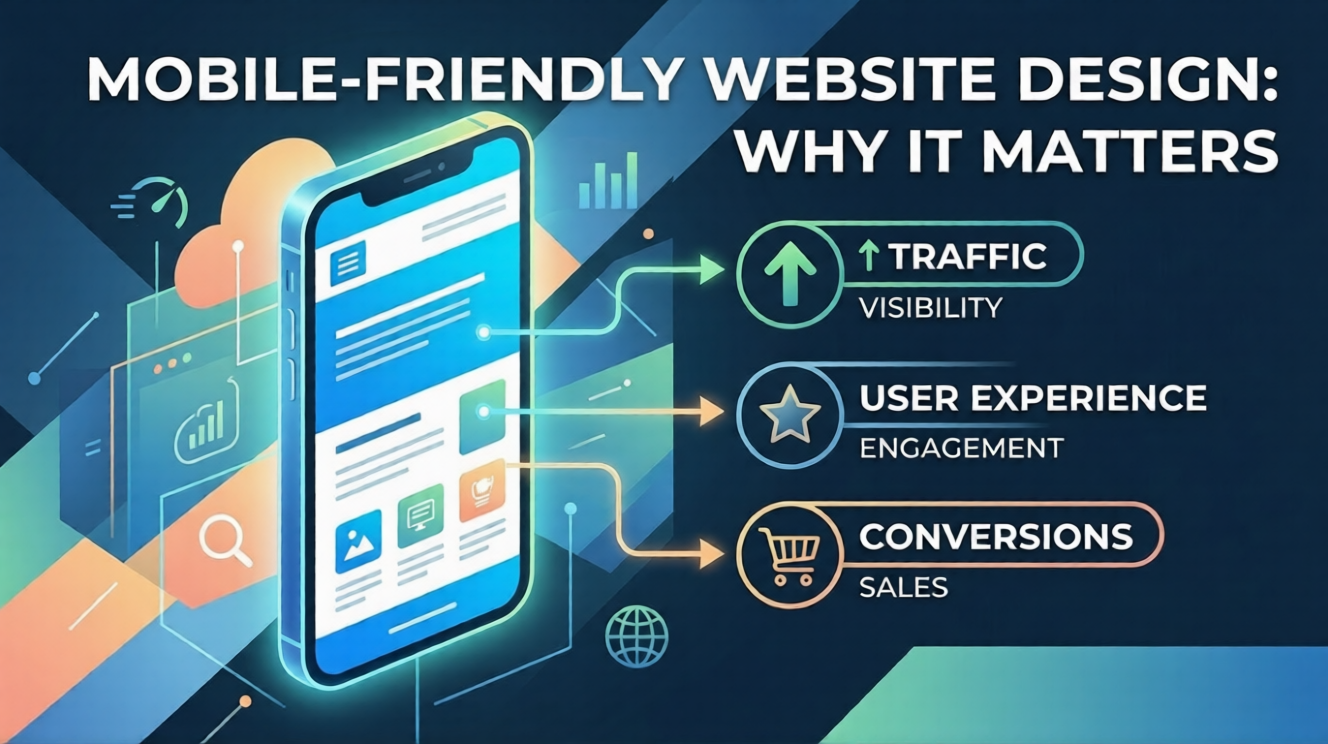
Mobile-Friendly Website Design: Why It Matters
Your Website Is Being Judged in Seconds
Think about how you use the internet.
Most likely, you are browsing on your phone – scrolling, tapping, and switching apps quickly.
Now imagine opening a website where:
- Text is too small
- Buttons don’t work
- You have to zoom again and again
You will leave instantly.
That’s exactly why mobile-friendly website design is no longer optional – it’s essential.
For students learning web development, this is one of the most important skills to master today.
What Is Mobile-Friendly Website Design?
A mobile-friendly website is one that works perfectly on smartphones and tablets.
It adjusts automatically to:
- Screen size
- Device type
- Orientation
This is also called responsive web design.
Simple Example:
A good website looks clean on both laptop and mobile.
A bad website breaks or becomes unreadable on mobile.
Why Mobile-Friendly Design Matters?
1. Most Users Are on Mobile
Today, more than half of internet traffic comes from mobile devices.
If your website is not mobile-friendly, you lose most of your audience.
2. Better User Experience (UX)
A smooth mobile experience means:
- Easy reading
- Quick navigation
- Faster interaction
Users stay longer and engage more.
3. Higher Google Rankings
Google uses mobile-first indexing.
This means:
Your mobile version is more important than your desktop version.
If your site is not mobile-friendly → rankings drop.
4. More Career Opportunities
Clients and companies expect developers to build responsive websites.
If you know mobile optimization, you instantly become more valuable.
Mobile-Friendly vs Non-Mobile-Friendly Website
| Feature | Mobile-Friendly Website | Non-Mobile-Friendly Website |
|---|---|---|
| Layout | Adjusts to screen | Breaks on Mobile |
| Text | Easy to read | Too small |
| Navigation | Touch-Friendly | Hard to use |
| User Experience | Smooth | Frustrating |
| SEO Ranking | Higher | Lower |
Key Principles of Mobile-Friendly Website Design
1. Responsive Layout
Your layout should adapt to all screen sizes.
Tip:
Use flexible grids instead of fixed widths.
2. Readable Text
Avoid tiny fonts.
Best Practice:
- Use larger font sizes
- Maintain proper spacing
3. Touch-Friendly Buttons
Users tap, not click.
Make sure:
- Buttons are large enough
- Space between buttons is adequate
4. Fast Loading Speed
Mobile users have less patience.
Optimize:
- Images
- Scripts
- Overall performance
5. Simple Navigation
Keep it clean.
Use:
- Hamburger menu
- Clear categories
Step-by-Step: How to Create a Mobile-Friendly Website (Beginner Guide)
Step 1: Choose a Responsive Theme
Most modern WordPress themes are responsive.
Always test before selecting.
Step 2: Use Page Builders Like Elementor
They allow easy mobile customization.
You can adjust:
- Layout
- Spacing
- Font size
Step 3: Test Your Website on Mobile
Open your site on:
- Smartphone
- Tablet
Check:
- Layout
- Text
- Buttons
Step 4: Optimize Images
Large images slow down mobile sites.
Compress before uploading.
Step 5: Improve Loading Speed
Use:
- Caching plugins
- Lightweight design
Step 6: Avoid Popups and Heavy Elements
Too many popups ruin mobile experience.
Keep it simple.
Common Mistakes Students Make
- Designing only for desktop
- Ignoring mobile testing
- Using small fonts
- Adding too many elements
- Not optimizing speed
Avoid these mistakes to stay ahead.
Real-Life Example for Students
Imagine two students applying for an internship:
Student A:
- Website looks great on laptop
- Broken on mobile
Student B:
- Website works perfectly on mobile
- Smooth and fast
Who gets selected?
Student B – because real-world usability matters.
Career Relevance: Why This Skill Is in High Demand
Mobile-friendly design is a core requirement in web development.
Students who master this can:
- Build professional websites
- Work with clients
- Freelance easily
- Improve SEO performance
This skill is used in:
- Web development
- Digital marketing
- UI/UX design
Why Learning Mobile Design Early Is a Smart Move
Starting early gives you:
- Competitive advantage
- Strong portfolio
- Practical experience
- Better job opportunities
This is not just theory – it’s a real-world skill used daily.
How SiteGenius Helps You Master Mobile-Friendly Design
Learning randomly can be confusing.
You need structured, practical learning.
SiteGenius provides:
- Step-by-step WordPress training
- Hands-on website building
- Responsive design practice
- Real-world projects
- SEO and performance optimization
You don’t just learn concepts – you apply them.
You can:
- Explore the curriculum page to see skill modules
- Visit the admission page for batch details
- Attend the free Awareness session
FAQs- Mobile-Friendly Website Design
1. What is a mobile-friendly website?
A mobile-friendly website adjusts its layout and design to work properly on smartphones and tablets.
2. Why is mobile-friendly design important?
It improves user experience, increases engagement, and helps your website rank higher on Google.
3. How can I make my WordPress site mobile-friendly?
Use responsive themes, optimize images, test on mobile devices, and improve loading speed.
4. Does mobile-friendly design affect SEO?
Yes, Google uses mobile-first indexing, so mobile optimization directly impacts rankings.
5. Can beginners learn responsive design easily?
Yes, tools like WordPress and Elementor make it easy for beginners to create mobile-friendly websites.
Conclusion: Build for Mobile, Build for the Future
The future of the internet is mobile.
If your website is not mobile-friendly, you are already behind.
But the good news is – you can start today.
Learn the basics.
Build your first responsive website.
Improve with practice.
And if you want a structured path to master website design, explore the SiteGenius program.
Don’t just build websites. Build experiences that work everywhere.