
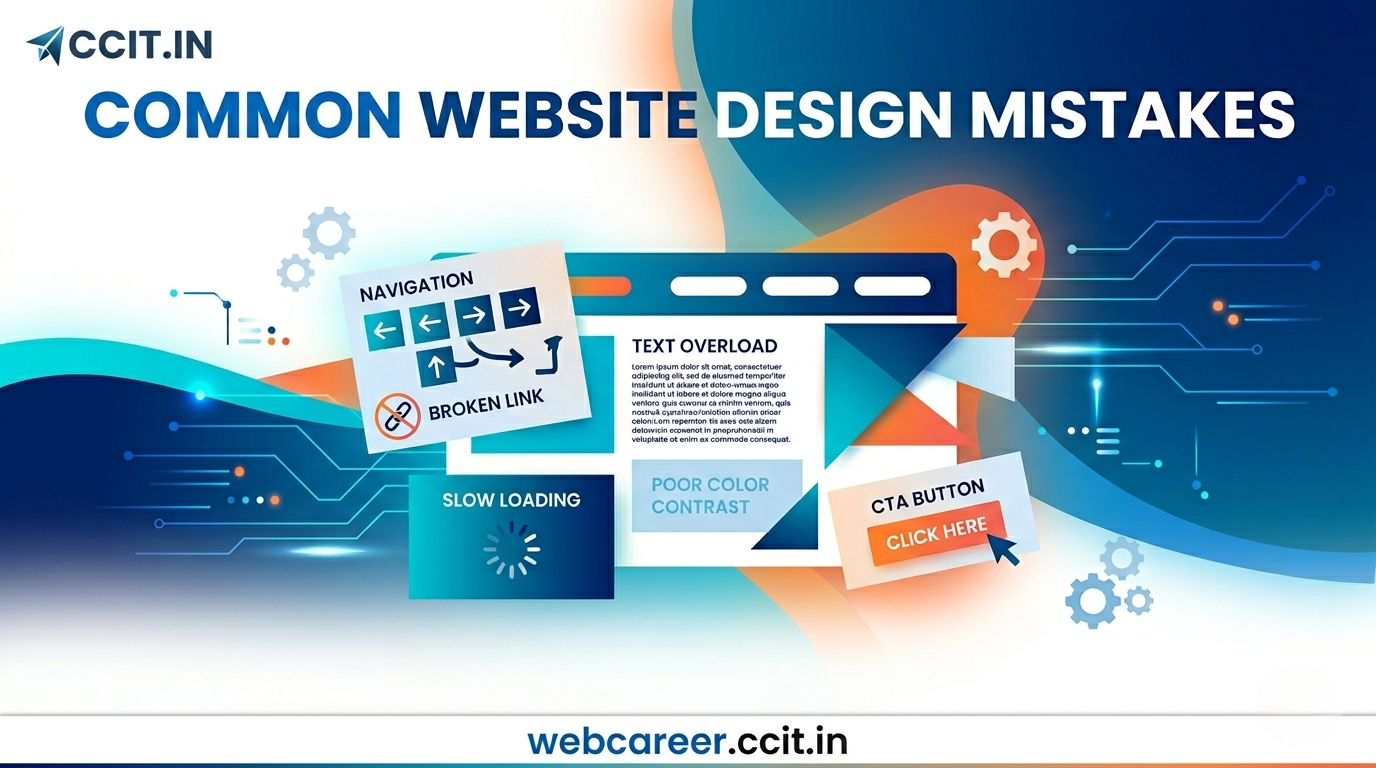
Common Website Design Mistakes and How to Avoid Them
Small Mistakes That Can Ruin a Website
You spend hours building a website.
You choose colors, add images, create pages… and finally publish it.
But no one stays on your site.
Why?
Because even small design mistakes can destroy user experience.
Most beginners make these mistakes without realizing it.
The good news?
Once you understand them, you can easily fix them.
And that’s exactly what you’ll learn in this guide.
What Are Website Design Mistakes?
Website design mistakes are common errors that make your site:
- Hard to use
- Slow
- Confusing
- Unprofessional
These mistakes affect:
- User experience (UX)
- SEO rankings
- Career opportunities
Top Common Website Design Mistakes
(And How to Fix Them)
1. Cluttered Design (Too Much Everything)
Mistake:
Too many colors, fonts, images, animations.
Problem:
Users feel overwhelmed and leave.
Solution:
- Keep design simple
- Use 2–3 colors
- Maintain white space
Student Example:
A portfolio with 10 sections on the homepage looks messy.
Keep it clean and focused.
2. Poor Navigation
Mistake:
Users can’t find what they need.
Problem:
Visitors leave within seconds.
Solution:
- Use clear menu (Home, About, Contact)
- Keep navigation simple
- Limit menu items
3. Not Mobile-Friendly
Mistake:
Website works only on desktop.
Problem:
Most users are on mobile → huge loss.
Solution:
- Use responsive design
- Test on mobile devices
4. Slow Loading Speed
Mistake:
Heavy images, too many plugins.
Problem:
Users don’t wait → they exit.
Solution:
- Compress images
- Use caching plugins
- Choose fast hosting
5. Bad Readability
Mistake:
Small fonts, long paragraphs, poor contrast.
Problem:
Users struggle to read.
Solution:
- Use larger fonts
- Break content into sections
- Use headings and bullet points
6. No Clear Call-to-Action (CTA)
Mistake:
Users don’t know what to do next.
Problem:
Low engagement.
Solution:
Add clear buttons like:
- “Contact Me”
- “View Projects”
- “Start Learning”
7. Too Many Plugins
Mistake:
Installing plugins for everything.
Problem:
Slows down website and creates conflicts.
Solution:
- Use only essential plugins
- Keep site lightweight
8. Ignoring SEO Basics
Mistake:
No headings, no keywords, no optimization.
Problem:
Website doesn’t rank on Google.
Solution:
- Use proper headings (H1, H2)
- Optimize content
- Use SEO plugins
9. Inconsistent Design
Mistake:
Different colors, fonts, styles on each page.
Problem:
Looks unprofessional.
Solution:
- Maintain consistent theme
- Use same design style across pages
10. Not Testing the Website
Mistake:
Publishing without checking.
Problem:
Broken links, layout issues.
Solution:
- Test on different devices
- Check all pages before publishing
Quick Comparison: Good vs Bad Website Design
| Feature | Good Design | Bad Design |
|---|---|---|
| Layout | Clean and Simple | Cluttered |
| Navigation | Easy to use | Confusing |
| Speed | Fast | Slow |
| Mobile Experience | Responsive | Broken |
| Readability | Clear | Hard to read |
Step-by-Step: How to Avoid These Mistakes
Step 1: Plan Before Designing
- Define purpose
- List pages
Step 2: Keep It Simple
- Minimal design
- Focus on usability
Step 3: Test on Mobile
- Always check responsiveness
Step 4: Optimize Performance
- Compress images
- Reduce plugins
Step 5: Review Before Publishing
- Fix errors
- Improve layout
Real-Life Student Scenario
Two students create websites:
Student A:
- Cluttered design
- Slow loading
- Not mobile-friendly
Student B:
- Clean layout
- Fast website
- Easy navigation
Who gets freelance clients?
Student B – because quality matters.
Career Relevance: Why Avoiding These Mistakes Matters
Companies don’t just look for developers.
They look for problem-solvers.
If you can:
- Identify design issues
- Fix them
- Improve user experience
You become valuable.
This skill helps in:
- Freelancing
- Internships
- Job placements
Why Learning This Skill Early Gives You an Advantage
Most students focus only on theory.
But real-world success comes from:
- Practical skills
- Better execution
- Attention to detail
Avoiding mistakes makes your work:
- Professional
- Impressive
- Job-ready
How SiteGenius Helps You Avoid These Mistakes
Learning alone can be confusing.
SiteGenius provides a structured learning path.
You will learn:
- Website design fundamentals
- WordPress development
- Real project building
- Speed optimization
- Mobile responsiveness
You can:
- Explore the curriculum page to see skill modules
- Visit the admission page for batch details
- Attend the free Awareness session
FAQs- Common Website Design Mistakes
1. What are the most common website design mistakes?
Cluttered layout, poor navigation, slow speed, lack of mobile responsiveness, and bad readability are the most common mistakes.
2. How can beginners avoid web design mistakes?
By keeping design simple, testing on mobile, optimizing speed, and following basic design principles.
3. Why do website design mistakes affect SEO?
Poor design reduces user experience, increases bounce rate, and lowers Google rankings.
4. Is website design important for a career?
Yes, it is a key skill for web development, freelancing, and digital marketing careers.
5. Can students learn website design without coding?
Yes, tools like WordPress allow beginners to design professional websites without coding.
Conclusion: Learn Smart, Avoid Mistakes, Grow Faster
Mistakes are part of learning.
But smart learners learn faster by avoiding common mistakes.
If you:
- Keep your design simple
- Focus on user experience
- Optimize performance
You will already be ahead of most beginners.
Start building better websites today.
And if you want a clear path to mastering web design, explore the SiteGenius program.
Don’t just learn web design. Learn it the right way from the beginning.