
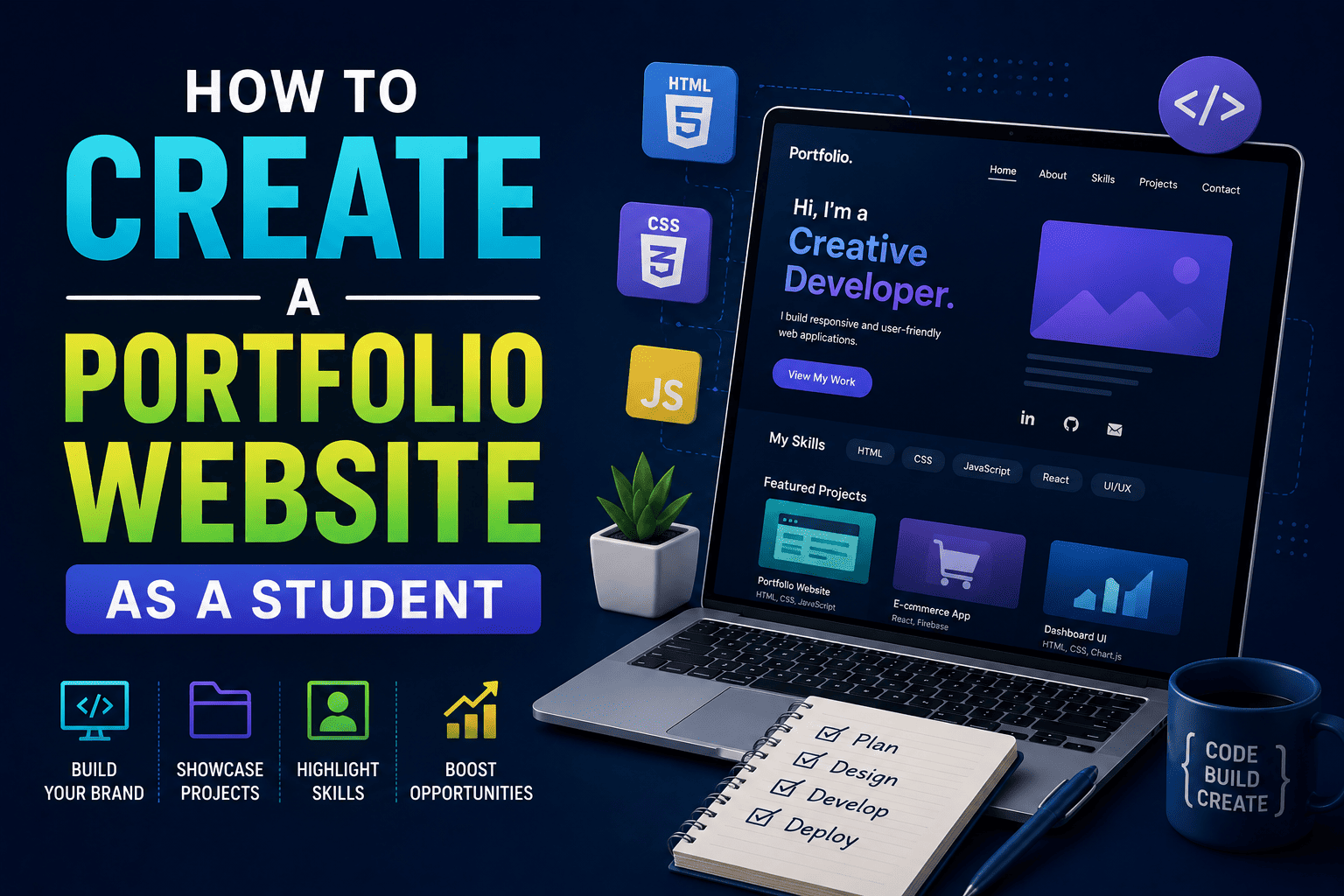
How to Create a Portfolio Website as a Student
In today’s digital world, having skills is important – but showing those skills is even more important.
Imagine two students applying for the same internship.
One student sends only a resume.
The second student sends a resume along with a professional portfolio website showcasing projects, achievements, skills, certificates and contact details.
Who do you think will stand out more?
The answer is obvious.
Whether you are a student of 11th, 12th, BA, BCA, BSc, B.Com or B.Tech, creating a portfolio website can help you build a strong digital identity early. It acts like your online personal brand.
The best part?
You no longer need advanced coding knowledge to create a professional website. With tools like WordPress and Elementor, beginners can design attractive websites visually.
In this guide, you will learn step-by-step how to create a portfolio website as a student, why it matters for your career and how practical training programs like SiteGenius can help you build industry-ready web development skills.
Why Every Student Should Have a Portfolio Website
A portfolio website is your online showcase.
It helps you present:
- Projects
- Skills
- Resume
- Certifications
- Achievements
- Creative work
- Internship experience
- Contact information
Today, recruiters, clients and companies often search candidates online before hiring them.
If someone searches your name and finds a professional website, it creates a powerful first impression.
Example
A BCA student learning web development can showcase:
- Website projects
- GitHub links
- UI designs
- Blog posts
- Internship work
A commerce student can showcase:
- Digital marketing projects
- Presentation designs
- Freelancing work
- Personal branding content
Even school students can create:
- Hobby websites
- Learning blogs
- Competition achievements
- Creative portfolios
Benefits of Creating a Portfolio Website Early
| Traditional Resume | Portfolio Website |
|---|---|
| Limited Information | Interactive and Detailed |
| Static Document | Dynamic Online Presence |
| Hard to stand out | Builds personal Brand |
| Mostly text-based | Visual + Engaging |
| Shared Manually | Accessible Worldwide |
Step-by-Step Guide to Create a Portfolio Website as a Student
Step 1: Decide the Purpose of Your Website
Before building your website, decide what you want to showcase.
Common Portfolio Website Types
| Student Type | Portfolio Idea |
|---|---|
| BCA/B.Tech Students | Web development projects |
| Commerce Students | Digital marketing portfolio |
| Designers | Creative showcase |
| Writers/Bloggers | Personal blog |
| School Students | Achievements & learning journey |
| Freelancers | Client services portfolio |
Keep your website focused and clean.
Step 2: Choose a Domain Name
Your domain name is your website address.
Example:
- yourname.com
- johndesigns.com
Tips for Choosing a Domain
- Keep it short
- Use your real name if possible
- Avoid numbers and symbols
- Make it easy to remember
A professional domain improves your online identity.
Step 3: Buy Hosting and Install WordPress
To make your website live, you need:
- Domain
- Hosting
- WordPress installation
What Is WordPress?
WordPress is the world’s most popular website-building platform.
It allows beginners to create websites without advanced coding.
According to the SiteGenius curriculum, students learn:
- WordPress setup
- Themes and plugins
- Elementor page builder
- SEO optimization
- Mobile responsiveness
- Website performance basics
This makes WordPress one of the best choices for beginners.
Step 4: Install a Professional Theme
A WordPress theme controls your website design.
Good Portfolio Themes for Beginners
- Astra
- GeneratePress
- Kadence
- Hello Elementor
Choose a clean and mobile-friendly theme.
Avoid overly colorful or cluttered designs.
Remember:
Simple websites often look more professional.
Step 5: Use Elementor to Design Your Website
One of the easiest ways to build pages visually is by using Elementor.
Elementor is a drag-and-drop page builder that allows students to create:
- Hero sections
- Image galleries
- Contact forms
- Testimonials
- Service sections
- Portfolio layouts
The SiteGenius WordPress program specifically teaches Elementor-based website design and responsive layouts for beginners.
Essential Pages to Create
Home Page
Introduce yourself clearly.
Example:
“Hi, I’m Rahul, a BCA student learning web development and UI design.”
About Page
Share:
- Education
- Interests
- Career goals
- Skills
Projects Page
This is the most important section.
Add:
- Screenshots
- Project descriptions
- Technologies used
- Live links
Contact Page
Add:
- Social links
- Contact form
Step 6: Add Your Skills and Projects
Many students think:
“I don’t have experience yet.”
That’s completely normal.
Even beginner projects are valuable.
Portfolio Project Ideas for Students
For Beginners
- Personal profile website
- College event website
- Restaurant landing page
- Travel blog
For BCA/B.Tech Students
- Student management system
- Portfolio website
- Mini eCommerce project
For Commerce Students
- Business portfolio
- Digital marketing landing page
- Social media campaign showcase
The goal is to demonstrate learning and creativity.
Step 7: Optimize Your Website for Mobile Devices
Most people will visit your website using mobile phones.
If your website looks broken on mobile, visitors may leave immediately.
Modern website training programs like SiteGenius teach:
- Responsive layouts
- Mobile previews
- Cross-device testing
- Website performance optimization
Quick Mobile Optimization Tips
- Use readable fonts
- Avoid large images
- Keep navigation simple
- Test on multiple devices
Step 8: Learn Basic SEO for Better Visibility
SEO (Search Engine Optimization) helps your website appear on Google.
Beginner SEO Tips
- Use proper headings
- Add keywords naturally
- Optimize images
- Write meta descriptions
- Create clean URLs
Plugins like Yoast SEO and Rank Math make SEO easier for beginners.
Common Mistakes Students Should Avoid
1. Using Too Many Colors: Keep your design clean and professional.
2. Copying Other Websites Completely: Take inspiration, but maintain originality.
3. Ignoring Mobile Design: Always check mobile responsiveness.
4. Adding Too Much Information: Focus only on important details.
5. Leaving the Website Incomplete: Even a simple finished website is better than an unfinished complex one.
Why Portfolio Websites Matter for Career Growth
Today, companies value practical skills more than ever.
A portfolio website proves that you can:
- Build real projects
- Learn independently
- Use modern digital tools
- Present work professionally
This becomes extremely useful for:
- Internships
- Freelancing
- College placements
- Personal branding
- Remote work opportunities
Students who start early often gain a major advantage over others.
Why Learning Website Design Is a Smart Skill in 2026
Businesses, creators, startups and professionals all need websites.
This creates growing demand for:
- Web designers
- WordPress developers
- SEO specialists
- Freelancers
- Digital creators
The SiteGenius curriculum focuses on practical website-building skills using WordPress, Elementor, SEO and modern tools designed specifically for beginners and non-technical learners.
The program also introduces students to:
- Real-world projects
- Responsive website design
- Portfolio building
- AI tools for web professionals
- Freelancing pathways
This makes it highly relevant for students looking for skill-based career options.
How SiteGenius Helps Students Build Real Skills
Unlike purely theoretical learning, SiteGenius focuses on practical implementation.
Students learn:
- WordPress website development
- Elementor page building
- SEO fundamentals
- Website optimization
- Responsive design
- Real project creation
The curriculum is beginner-friendly and designed even for students with no coding background.
You can:
- Explore the curriculum page to see skill modules
- Visit the admission page for batch details
- Attend the free Awareness session
FAQs- How to Create a Portfolio Website as a Student
Do I need coding knowledge to create a portfolio website?
No. Platforms like WordPress and Elementor allow beginners to create professional websites without advanced coding knowledge.
Which platform is best for student portfolio websites?
WordPress is one of the best platforms because it is beginner-friendly, flexible and widely used in the industry.
What should I include in my portfolio website?
You should include:
- About section
- Skills
- Projects
- Resume
- Certifications
- Contact information
Can portfolio websites help students get internships?
Yes. A portfolio website demonstrates practical skills and helps students stand out during internship or job applications.
How long does it take to build a basic portfolio website?
A beginner can build a simple portfolio website within a few days with proper guidance and practice.
Conclusion
In today’s competitive digital world, a portfolio website is no longer optional for students who want to grow in technology, freelancing or digital careers.
It helps you showcase your abilities, build credibility and create opportunities before graduation.
The good news is that you do not need to be an expert programmer to get started.
With tools like WordPress, Elementor and structured practical learning, any student can create a professional online presence.
Start small.
Build consistently.
Keep improving your projects.
Your portfolio website today could become the foundation of your future career tomorrow.