
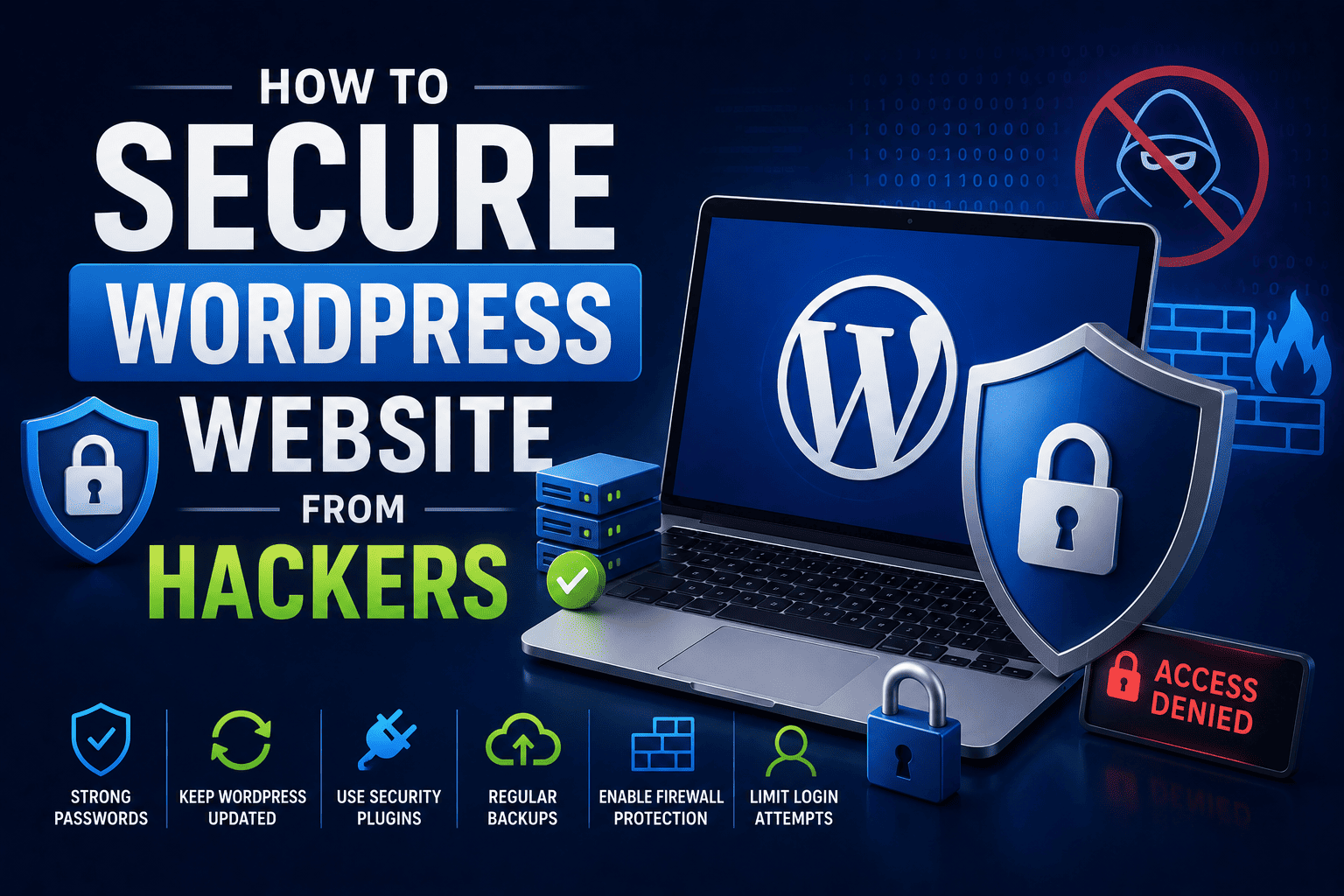
How to Secure Your WordPress Website from Hackers
Imagine spending weeks building your first website.
You carefully design pages, upload images, write content and proudly share the link with friends.
Then one day, your website suddenly stops working.
Strange ads appear on your homepage.
Or worse – your entire website disappears.
For beginners, this can feel terrifying.
The truth is that websites are constantly targeted by hackers, especially poorly secured websites. But the good news is this:
You do not need to be a cybersecurity expert to protect your WordPress website.
By learning a few essential website security practices, students and beginners can keep their websites safe and professional.
In this guide, you will learn how to secure your WordPress website from hackers step by step, why website security matters for your future career and how practical programs like SiteGenius help students build real-world web development skills.
Why WordPress Security Matters
WordPress powers millions of websites worldwide.
Because of its popularity, hackers often target:
- Beginner websites
- Outdated plugins
- Weak passwords
- Poor hosting setups
Even student projects can become targets if security is ignored.
What Can Happen If a Website Gets Hacked?
A hacked website may experience:
- Website downtime
- Data loss
- Slow loading speed
- Spam content insertion
- Google search penalties
- Loss of trust
For students learning web development, understanding website security is an important professional skill.
Common Ways Hackers Attack WordPress Websites
Before learning protection methods, it is important to understand common threats.
| Security Threat | What It Means |
|---|---|
| Weak Passwords | Easy-to-Guess Login credentials |
| Outdated Plugins | Vulnerable software with security flaws |
| Malware | Harmful Code added to websites |
| Brute force attacks | Repeated Login attempts by bots |
| Fake Theme/Plugins | Malicious files disguised as tools |
| Poor hosting security | Unsafe server environments |
Understanding these risks helps beginners avoid common mistakes.
Step-by-Step Guide to Secure Your WordPress Website
Step 1: Use Strong Usernames and Passwords
One of the biggest beginner mistakes is using passwords like:
- admin123
- password
- 123456
Hackers can guess weak passwords within seconds.
Strong Password Tips
Use:
- Uppercase letters
- Lowercase letters
- Numbers
- Symbols
Example:
- Bad Password: student123
- Strong Password: S!te2026#Learn
Also avoid using “admin” as your username.
Step 2: Keep WordPress Updated
Outdated software is one of the biggest reasons websites get hacked.
Always update:
- WordPress core
- Themes
- Plugins
Updates often contain important security fixes.
According to the SiteGenius WordPress curriculum, students learn plugin management, updates and website maintenance practices as part of practical website development training.
Regular updates improve both:
- Website security
- Website performance
Step 3: Install a Reliable Security Plugin
Security plugins act like digital guards for your website.
Popular WordPress Security Plugins
- Wordfence Security
- Sucuri Security
- iThemes Security
- All In One WP Security
These plugins help:
- Block suspicious activity
- Detect malware
- Prevent login attacks
- Monitor website security
For beginners, Wordfence is often a great starting option because it is beginner-friendly.
Step 4: Enable Two-Factor Authentication (2FA)
Two-factor authentication adds an extra layer of security.
Instead of only entering a password, you also verify login using:
- Mobile app
- OTP code
- Email confirmation
This makes hacking much harder.
Think of it like adding a second lock to your room.
Step 5: Use Trusted Themes and Plugins Only
Many beginners download “free premium themes” from random websites.
This is risky.
Some fake themes contain hidden malware.
Safe Practice
Always download themes and plugins from:
- Official WordPress repository
- Trusted developers
- Verified marketplaces
Avoid pirated or nulled themes completely.
Step 6: Take Regular Website Backups
Imagine losing your entire website overnight.
Backups help you recover your website quickly if something goes wrong.
Popular Backup Plugins
- UpdraftPlus
- BackupBuddy
- Jetpack Backup
Backup Best Practices
- Backup weekly
- Store backups in cloud storage
- Keep multiple backup copies
Backups are like insurance for your website.
Step 7: Use Secure Hosting
Your hosting provider plays a major role in website security.
Cheap and poor-quality hosting can expose your website to attacks.
Good Hosting Features
Look for:
- SSL certificate
- Firewall protection
- Daily backups
- Malware scanning
- Good support
A secure hosting environment creates a strong security foundation.
Step 8: Install an SSL Certificate
An SSL certificate protects data shared between users and your website.
Websites with SSL use:
- HTTPS instead of HTTP
Example:
- Unsafe: http://example.com
- Secure: https://example.com
Why SSL Matters
SSL:
- Protects user data
- Builds visitor trust
- Improves SEO rankings
- Looks professional
Most hosting providers now offer free SSL certificates.
Step 9: Limit Login Attempts
Hackers often use bots to repeatedly try passwords.
This is called a brute force attack.
Limiting login attempts blocks repeated failed logins.
Security plugins can automatically:
- Lock suspicious IPs
- Restrict login retries
- Send security alerts
This simple step significantly improves security.
Step 10: Remove Unused Plugins and Themes
Unused plugins and themes can become security risks.
Even inactive plugins may contain vulnerabilities.
Good Website Hygiene
Delete:
- Unused themes
- Unused plugins
- Old demo content
A clean website is easier to secure and maintain.
Essential WordPress Security Checklist
Always Do:
- Use strong passwords
- Update WordPress regularly
- Install security plugins
- Take backups
- Use SSL
- Enable two-factor authentication
Avoid:
- Pirated themes
- Weak passwords
- Ignoring updates
- Random plugin downloads
Why Website Security Is an Important Career Skill
Many students focus only on website design.
But professional web developers must also understand:
- Website security
- Performance optimization
- User protection
- SEO basics
Companies and clients trust developers who can create secure websites.
This makes WordPress security a valuable practical skill for:
- Freelancing
- Internships
- Website management jobs
- Digital agencies
Real Example: Why Security Matters
Suppose a college student builds a website for a local business.
If the website gets hacked because of poor security:
- The client may lose trust
- Website visitors may leave
- Google rankings may drop
Now imagine another student who:
- Uses strong security practices
- Installs proper plugins
- Maintains backups
- Keeps everything updated
Which student looks more professional?
The second one clearly stands out.
That is why security knowledge improves career opportunities.
How SiteGenius Helps Students Learn Real Website Skills
Many beginners learn website creation only theoretically.
But real-world web development requires practical understanding.
The SiteGenius Web Development Training Program teaches students:
- WordPress website creation
- Plugin management
- Website optimization
- Responsive design
- SEO fundamentals
- Website maintenance practices
Students also learn practical project-building using tools like Elementor and WordPress.
The curriculum is designed for:
- 11th & 12th students
- BA, BCA, BSc, B.Com students
- B.Tech learners
- Beginners with no coding background
You can:
- Explore the curriculum page to see skill modules
- Visit the admission page for batch details
- Attend the free Awareness session
FAQs- How to Secure WordPress Website from Hackers
Is WordPress secure for beginners?
Yes. WordPress is secure when you follow proper practices like using strong passwords, updating plugins and installing security tools.
Which is the best security plugin for WordPress?
Popular beginner-friendly options include:
- Wordfence
- Sucuri Security
- iThemes Security
Each offers different security features.
Can a student learn WordPress security easily?
Yes. Beginners can learn basic WordPress security step by step with practical training and regular website practice.
Why do hackers target small websites?
Hackers often target small or beginner websites because they usually have weaker security settings and outdated plugins.
Does website security help in web development careers?
Absolutely. Secure website management is an important professional skill valued by clients, companies and digital agencies.
Conclusion
Building a website is exciting.
Protecting it is equally important.
Many beginners focus only on design and ignore security until something goes wrong. But smart web developers understand that security is part of professional website development.
The good news is that securing a WordPress website is not complicated when you follow the right practices.
Start with:
- Strong passwords
- Regular updates
- Security plugins
- Backups
- Trusted hosting
As you continue learning web development, these habits will help you build safer, faster and more professional websites.
Remember:
A great web developer does not just build websites.
A great web developer builds secure websites people can trust.