
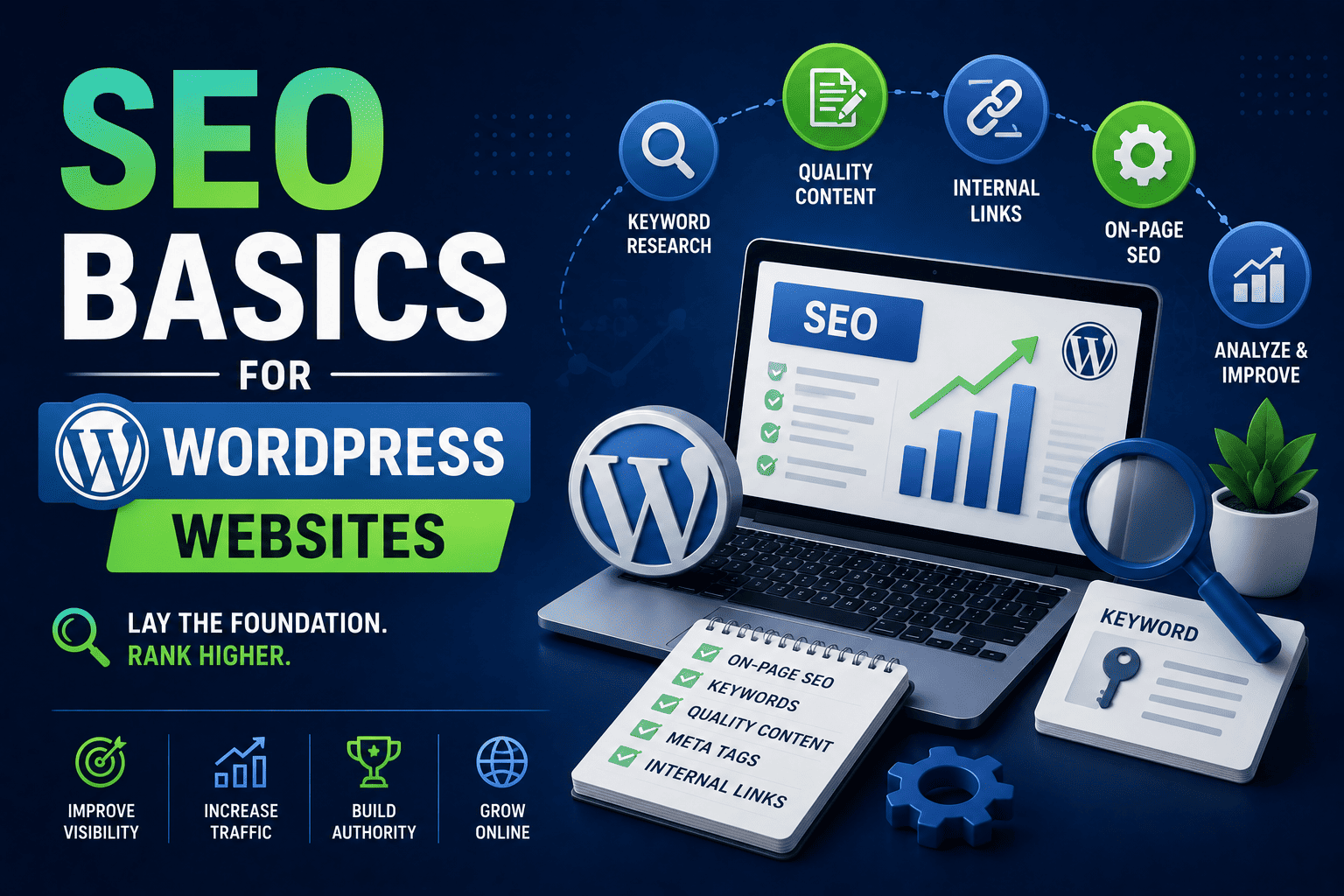
SEO Basics for WordPress Websites
Imagine creating a beautiful website after spending days learning WordPress, choosing themes and designing pages.
But after launching the website, nobody visits it.
No traffic.
No visibility.
No Google rankings.
This is where SEO becomes important.
SEO, or Search Engine Optimization, helps websites appear on Google when people search for related topics.
For example:
- A student searching “best web development course after 12th”
- A business owner searching “website designer near me”
- A beginner searching “how to create a WordPress website”
Without SEO, even good websites may remain invisible.
The good news is that beginners can learn basic SEO without becoming technical experts.
In this guide, you will learn SEO basics for WordPress websites, how SEO helps websites rank on Google and why SEO skills are valuable for students interested in web development and digital careers.
What Is SEO?
SEO stands for Search Engine Optimization.
It is the process of improving a website so that search engines like Google can understand and rank it better.
The goal of SEO is simple:
- Increase website visibility
- Get organic traffic
- Improve user experience
- Reach the right audience
Simple Example
Suppose you create a blog about web development projects.
If your website is properly optimized for SEO, Google may show your article when students search:
- “Web development project ideas”
- “Portfolio website tutorial”
- “How to learn WordPress”
That means more visitors can discover your website naturally.
Why SEO Matters for WordPress Websites
WordPress is already SEO-friendly compared to many other platforms.
But simply installing WordPress is not enough.
You still need proper optimization.
Benefits of SEO for Students and Beginners
Better Google Rankings
SEO helps your website appear higher in search results.
More Website Traffic
Higher rankings usually mean more visitors.
Improved Career Opportunities
SEO knowledge is valuable in:
- Web development
- Digital marketing
- Freelancing
- Blogging
- Content creation
Builds Professional Skills
Learning SEO teaches students:
- Keyword research
- Website optimization
- Content strategy
- User experience basics
How Search Engines Work
Before learning SEO techniques, it helps to understand how search engines work.
Search engines:
- Discover websites
- Read website content
- Store information
- Rank pages based on quality and relevance
Google tries to show users the most useful and trustworthy results.
That is why websites with:
- Helpful content
- Fast loading speed
- Mobile-friendly design
- Proper optimization
usually rank better.
Step-by-Step SEO Basics for WordPress Websites
Step 1: Choose the Right SEO-Friendly Theme
Your website theme affects:
- Speed
- Mobile responsiveness
- User experience
A slow or poorly coded theme can hurt rankings.
Good Beginner-Friendly Themes
- Astra
- GeneratePress
- Kadence
- Hello Elementor
Choose lightweight and mobile-friendly themes.
Avoid themes filled with unnecessary animations and heavy effects.
Step 2: Install an SEO Plugin
SEO plugins make optimization easier for beginners.
Popular WordPress SEO Plugins
- Yoast SEO
- Rank Math
- All in One SEO
These plugins help you:
- Add meta titles
- Write meta descriptions
- Optimize keywords
- Improve readability
- Generate XML sitemaps
For beginners, Rank Math and Yoast SEO are excellent choices.
Step 3: Use Proper Keywords Naturally
Keywords are words people search on Google.
For example:
- “WordPress tutorial”
- “SEO basics”
- “Website design course”
Where to Use Keywords
Add keywords naturally in:
- Titles
- Headings
- URLs
- Meta descriptions
- Content paragraphs
Do not overuse keywords unnaturally.
Google prefers helpful and readable content.
Step 4: Write High-Quality Content
Content is one of the biggest ranking factors.
Good content should:
- Solve user problems
- Be easy to understand
- Include useful examples
- Answer common questions
Student Example
Instead of writing:
“SEO is important for optimization and rankings.”
Write:
“SEO helps student websites appear on Google when users search for related topics.”
The second sentence feels clearer and more natural.
Step 5: Optimize Website Speed
Nobody likes slow websites.
Google also prefers faster websites.
Ways to Improve Website Speed
- Compress images
- Use lightweight themes
- Install caching plugins
- Avoid unnecessary plugins
- Choose quality hosting
Useful Speed Plugins
- WP Rocket
- LiteSpeed Cache
- W3 Total Cache
Fast websites improve:
- User experience
- SEO rankings
- Visitor engagement
Step 6: Make Your Website Mobile-Friendly
Most users browse websites on smartphones.
Google uses mobile-first indexing, which means mobile experience matters greatly.
Mobile Optimization Tips
- Use responsive design
- Keep fonts readable
- Avoid oversized images
- Test on different screen sizes
Modern WordPress builders like Elementor help create responsive websites easily.
Step 7: Create SEO-Friendly URLs
Bad URL:
- website.com/p=123
Good URL:
- website.com/seo-basics-wordpress
Clean URLs are easier for:
- Users
- Search engines
In WordPress, you can change URL structure from:
Settings → Permalinks
Choose:
- Post Name
This is one of the first SEO settings beginners should configure.
Step 8: Use Internal Linking
Internal links connect pages within your website.
Example:
A blog about SEO can link to:
- WordPress tutorials
- Website design guides
- SiteGenius curriculum page
- Demo class page
Internal linking helps:
- Improve navigation
- Increase engagement
- Distribute SEO value across pages
Step 9: Optimize Images for SEO
Large images can slow down websites.
Image SEO Tips
- Compress image sizes
- Use descriptive filenames
- Add alt text
Example:
Instead of:
- IMG123.jpg
Use:
- wordpress-seo-guide.jpg
Alt text also helps search engines understand images better.
Step 10: Secure Your Website
Website security affects SEO too.
Google may warn users if a website is unsafe.
Basic Security Tips
- Install SSL certificate
- Update plugins regularly
- Use strong passwords
- Install security plugins
Secure websites build trust and improve professionalism.
Important SEO Terms Every Beginner Should Know
| SEO Term | Meaning |
|---|---|
| Keyword | Search term users type on Google |
| Meta Title | Clickable title shown in search results |
| Meta Description | Short summary under search result |
| Backlink | Link from another website |
| Sitemap | File helping Google understand website structure |
| Organic Traffic | Free traffic from search engines |
Learning these terms helps beginners understand SEO more confidently.
Common SEO Mistakes Beginners Should Avoid
Keyword Stuffing: Repeating keywords unnaturally can hurt rankings.
Copying Content: Google prefers original content.
Ignoring Mobile Users: Poor mobile experience reduces rankings.
Using Too Many Plugins: Too many plugins can slow websites.
Publishing Thin Content: Short, low-value articles rarely rank well.
Why SEO Is a Valuable Career Skill in 2026
Businesses today compete heavily online.
That creates demand for professionals who understand:
- SEO
- Website optimization
- Content marketing
- WordPress development
SEO skills can help students explore:
- Freelancing
- Blogging
- Internship opportunities
- Digital marketing careers
- Website management jobs
Even small businesses now need SEO to compete online.
How SiteGenius Helps Students Learn Practical SEO Skills
The SiteGenius Web Development Training Program focuses on practical website-building and optimization skills.
Students learn:
- WordPress website development
- SEO fundamentals
- Responsive website design
- Plugin management
- Website optimization
- Real project implementation
The training is beginner-friendly and suitable for:
- 11th & 12th students
- BA, BCA, BSc, B.Com students
- B.Tech learners
- Non-technical beginners
Students also gain hands-on experience using modern tools like:
- WordPress
- Elementor
- SEO plugins
- Website optimization tools
You can:
- Explore the curriculum page to see skill modules
- Visit the admission page for batch details
- Attend the free Awareness session
FAQs- SEO Basics for WordPress Websites
What is SEO in WordPress?
SEO in WordPress means optimizing a WordPress website to improve its visibility on search engines like Google.
Which SEO plugin is best for beginners?
Yoast SEO and Rank Math are two popular beginner-friendly SEO plugins for WordPress websites.
Can students learn SEO easily?
Yes. Beginners can learn SEO step by step with regular practice and practical website projects.
How long does SEO take to show results?
SEO usually takes time. Small improvements may appear within weeks, while major growth may take several months.
Is SEO a good career skill in 2026?
Yes. SEO remains one of the most valuable digital skills because businesses continue to depend on online visibility and search traffic.
Conclusion
Creating a website is only the first step.
Helping people discover that website is where SEO becomes powerful.
By learning SEO basics, students can improve website visibility, attract more visitors and build practical digital skills that are valuable in modern careers.
The best part is that you do not need to become an expert immediately.
Start with:
- Proper keywords
- Good content
- Mobile-friendly design
- Fast website performance
- Basic optimization practices
With consistent learning and practice, SEO can become a powerful long-term skill for web development, freelancing and digital career growth.
Remember:
A website without SEO is like opening a shop in a hidden street.
SEO helps people find you.