
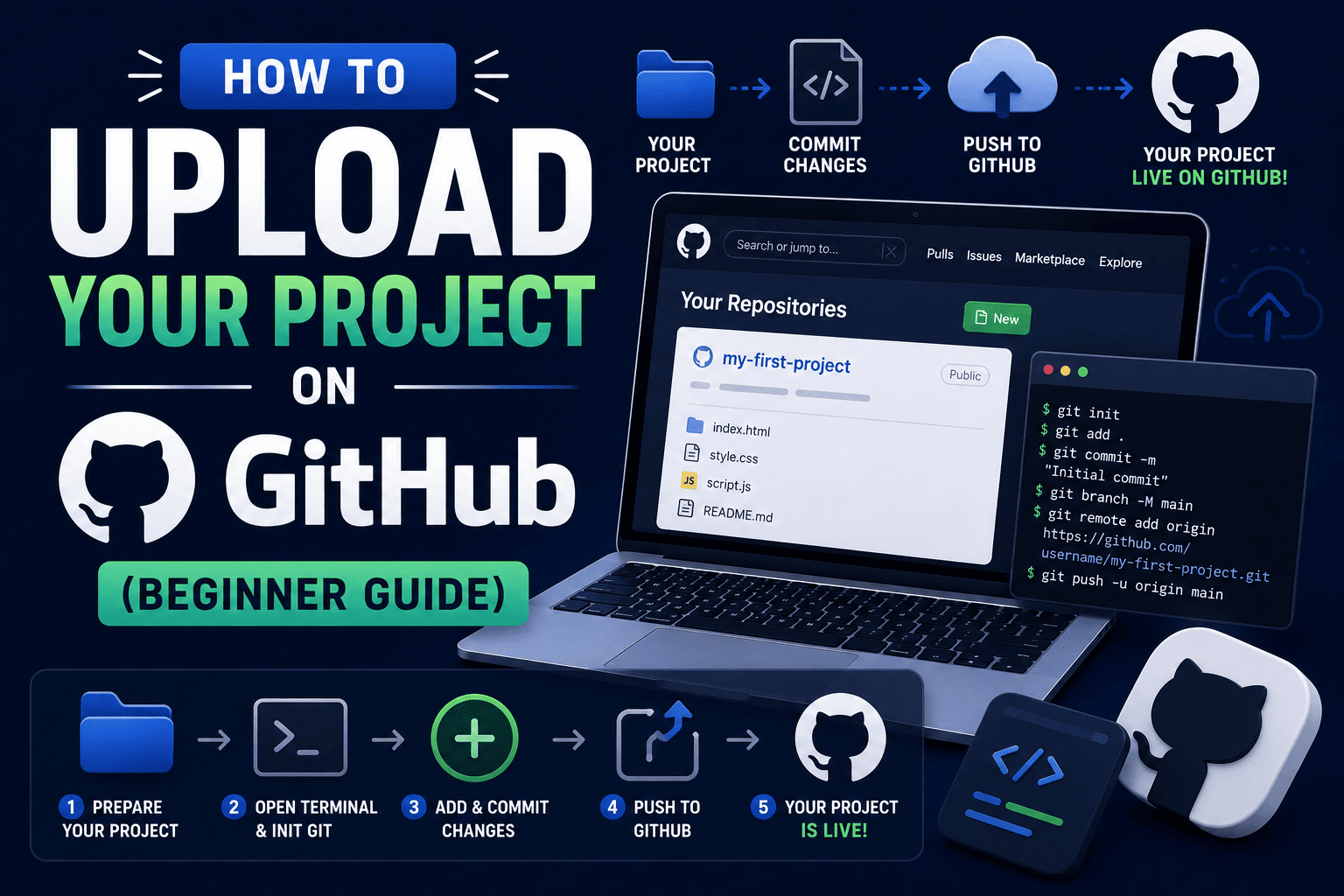
How to Upload Your Project on GitHub (Beginner Guide)
Imagine this.
You have just completed your first website.
Maybe it’s a:
- Portfolio website
- Restaurant website
- Blog website
- Landing page
- College project
You feel proud of what you’ve built.
Then someone asks:
“Can I see your project?”
You send screenshots.
Or perhaps you send a ZIP file.
While that works, professional developers usually do something much better.
They upload their projects to GitHub.
GitHub is one of the most important platforms for developers. It allows you to store projects online, share your work, collaborate with others, and build a professional portfolio.
Whether you’re a student in 11th & 12th, BA, BCA, BSc, B.Com, or B.Tech, learning GitHub can significantly improve your web development journey.
In this beginner guide, you’ll learn exactly how to upload your project on GitHub and why every aspiring web developer should know this skill.
What Is GitHub?
GitHub is a cloud-based platform where developers store, manage, and share code.
Think of GitHub as a combination of:
- Cloud storage
- Project management system
- Developer portfolio
- Collaboration platform
Millions of developers use GitHub to showcase projects and contribute to software development.
For students, GitHub acts as an online portfolio that recruiters can easily review.
Why Every Web Development Student Should Use GitHub
Many students focus only on learning coding languages.
However, modern employers also expect familiarity with tools used in professional development.
GitHub helps students:
- Store projects safely
- Showcase work publicly
- Build a professional portfolio
- Track project changes
- Collaborate with others
- Impress recruiters
A strong GitHub profile often creates a positive impression during internships and job applications.
Why Recruiters Check GitHub Profiles
Recruiters don’t just want to know what technologies you have learned.
They often want proof.
Consider this comparison:
| Student A | Student B |
|---|---|
| Lists HTML, CSS, JavaScript on resume | Shows real projects on GitHub |
| No project links | Active GitHub profile |
| Limited practical evidence | Demonstrates coding ability |
| Difficult to assess skills | Easy to evaluate work |
Student B immediately stands out because recruiters can see actual projects and coding activity.
What You Need Before Uploading a Project
Before getting started, make sure you have:
Required items:
- A completed project
- A GitHub account
- Internet connection
- Basic file organization
If you do not have a GitHub account, create one before proceeding.
Step-by-Step Guide to Uploading a Project on GitHub
Step 1: Create a GitHub Account
Visit GitHub and create a free account.
During signup, choose:
- A professional username
- A secure password
- A valid email address
Your username becomes part of your public developer identity, so choose carefully.
Step 2: Organize Your Project Files
Before uploading, ensure your project files are properly organized.
Typical web development project structure:
- index.html
- css folder
- js folder
- images folder
- README file
Clean organization makes your project easier to understand.
Step 3: Log In to GitHub
After creating your account, log in to GitHub.
You will arrive at your dashboard where repositories can be created and managed.
Step 4: Create a New Repository
A repository is where your project files are stored.
To create a repository:
- Click the “+” icon
- Select “New Repository”
- Enter a repository name
- Add a project description
- Choose Public or Private
For portfolio projects, Public repositories are usually recommended.
Step 5: Upload Project Files
After creating the repository:
- Open the repository
- Click “Add File”
- Select “Upload Files”
- Drag and drop your project folder contents
Wait for the upload process to complete.
Step 6: Add a Commit Message
A commit message explains what changes were added.
Example commit messages:
- Initial project upload
- Added portfolio website
- Updated homepage design
- Fixed navigation menu
Good commit messages improve project management and professionalism.
Step 7: Commit Changes
Click Commit Changes after uploading files.
GitHub will save your project and create the first version of your repository.
Your project is now stored online.
Step 8: Verify Everything Works Correctly
Open uploaded files and verify:
Check for:
- Missing images
- Broken links
- Missing CSS files
- Missing JavaScript files
- Incorrect file paths
Always test after uploading.
Step 9: Add a README File
A README file explains your project.
Think of it as the introduction page for your repository.
Include information such as:
- Project name
- Project purpose
- Technologies used
- Features
- Screenshots
- Live project link
A good README makes your project look much more professional.
Step 10: Share Your Repository
Once everything is ready, copy the repository URL.
You can share it with:
- Recruiters
- Internship coordinators
- Teachers
- Freelance clients
- Friends
Your GitHub project is now part of your professional portfolio.
What Should Students Upload on GitHub?
Many beginners wonder what projects belong on GitHub.
Good projects include:
- Portfolio websites
- Blog websites
- Landing pages
- Quiz applications
- Weather apps
- Student management systems
- College projects
- Personal learning projects
Every completed project contributes to your growth as a developer.
Common GitHub Mistakes Beginners Should Avoid
Many students make avoidable mistakes.
Avoid these common errors:
- Uploading incomplete projects
- Using unclear repository names
- Ignoring README files
- Uploading unnecessary files
- Using poor commit messages
- Leaving projects undocumented
Small improvements can make a big difference.
How GitHub Helps Your Career
GitHub is more than a storage platform.
It can become a powerful career tool.
Benefits include:
- Stronger portfolio
- Better internship opportunities
- Improved recruiter visibility
- Professional credibility
- Collaboration experience
- Industry-standard workflow knowledge
Many employers actively review GitHub profiles during hiring.
Why Learning GitHub Is Important for Web Developers
Modern web development involves much more than writing code.
Developers are expected to understand:
- Version control
- Collaboration tools
- Project management
- Repository management
GitHub helps students develop these professional skills early.
Learning GitHub today can save significant time later in your career.
GitHub vs Keeping Projects Only on Your Computer
| Projects Only on Computer | Projects on GitHub |
|---|---|
| Difficult to share | Easy to share |
| Limited visibility | Public portfolio |
| No collaboration | Collaboration possible |
| Risk of data loss | Cloud storage |
| Less professional | Industry standard |
The advantages of GitHub are clear.
How SiteGenius Helps Students Build Portfolio-Ready Projects
Many students learn web development concepts but struggle to showcase their work professionally.
The SiteGenius Web Development Training Program focuses on practical learning and project development.
Students learn:
- HTML, CSS and JavaScript fundamentals
- WordPress website development
- Responsive design
- Website deployment
- GitHub basics
- Portfolio development
Students work on real projects that can be uploaded to GitHub and showcased to recruiters.
This practical experience helps students become more confident and career-ready.
You can:
- Explore the curriculum page to see skill modules
- Visit the admission page for batch details
- Attend the free Awareness session
FAQs- How to Upload Your Project on GitHub
What is GitHub used for?
GitHub is used to store, manage, share, and collaborate on coding projects using version control.
Is GitHub free for students?
Yes. GitHub offers free accounts that are more than sufficient for most student projects.
Can beginners use GitHub?
Absolutely. GitHub is beginner-friendly and an excellent platform for learning professional development practices.
Should I upload all my projects to GitHub?
You should upload completed projects that demonstrate your skills and learning progress.
Can GitHub help me get internships?
Yes. A strong GitHub profile provides proof of practical experience and can make a positive impression on recruiters.
Conclusion
Learning how to upload your project on GitHub is one of the most valuable skills for aspiring web developers.
It helps you organize your work, build a professional portfolio, and showcase your skills to recruiters and clients.
Start with one project.
Upload it to GitHub.
Keep building consistently.
Over time, your GitHub profile can become a powerful reflection of your growth, dedication, and potential as a future web developer.