
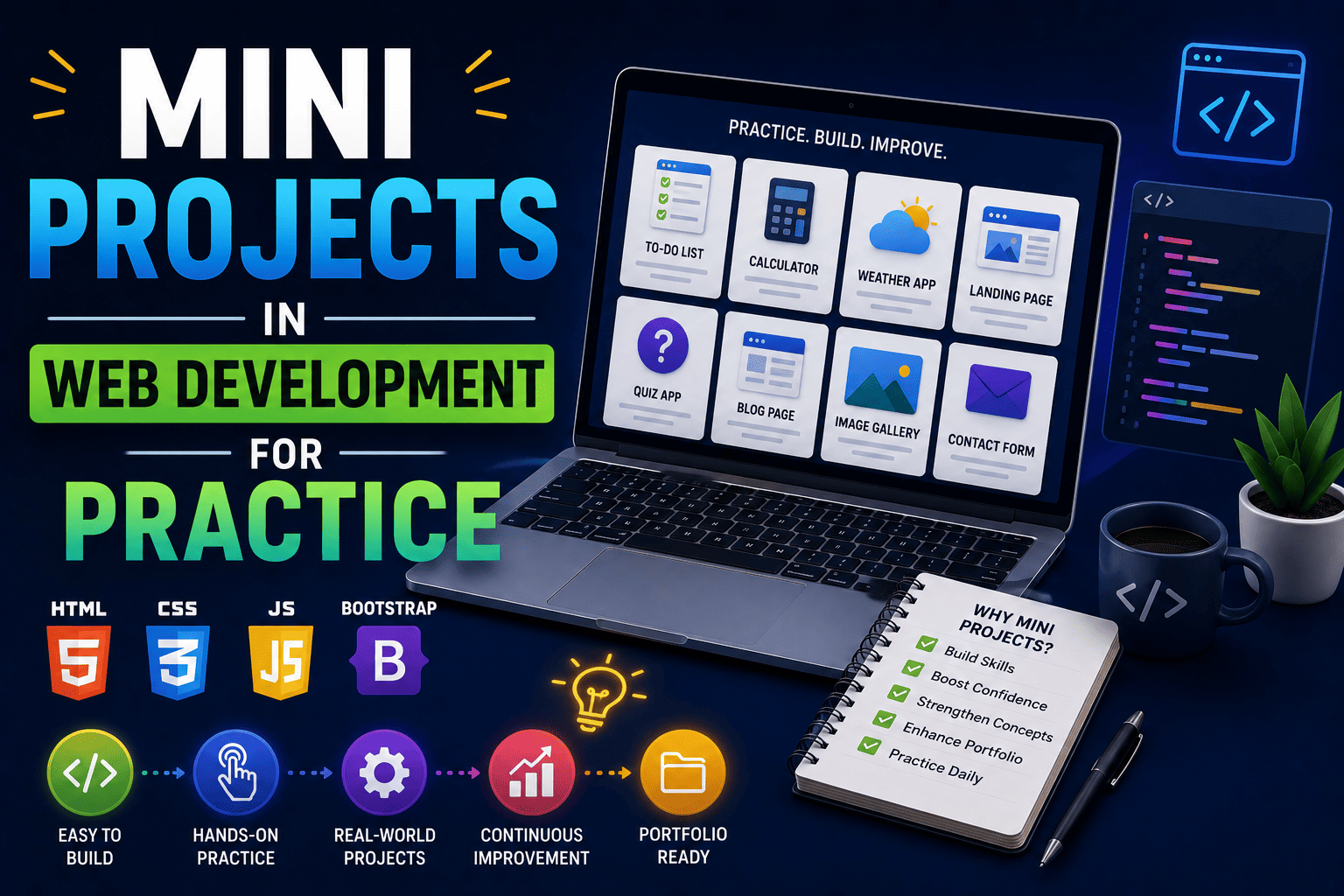
Mini Projects in Web Development for Practice
Learning web development is exciting.
You learn HTML, CSS, JavaScript, WordPress, and other technologies. You watch tutorials, complete exercises, and understand the theory.
But sooner or later, every student faces an important question:
“How do I gain real experience?”
The answer is simple – build projects.
Projects are where learning becomes practical. They help you apply concepts, solve problems, and create something real.
The good news is that you do not need to start with a huge application. In fact, many successful developers began with small projects that helped them strengthen their skills step by step.
In this guide, you’ll discover the best mini projects in web development for practice, how they improve your skills, and why they are essential for building a successful web development career.
Why Mini Projects Are Important for Beginners
Many students spend months learning concepts but never apply them.
This often creates a gap between theory and practical skills.
Mini projects help bridge that gap.
Mini projects help you:
- Apply classroom knowledge
- Improve coding skills
- Build confidence
- Strengthen problem-solving abilities
- Create portfolio content
- Prepare for internships and jobs
Even a simple project can teach lessons that books and tutorials cannot.
What Makes a Good Mini Project?
A good mini project should be:
- Easy enough to complete
- Challenging enough to teach new skills
- Relevant to real-world applications
- Useful for your portfolio
Remember, the goal is not to create the next Facebook.
The goal is to practice consistently and improve your abilities.
15 Mini Projects in Web Development for Practice
1. Personal Portfolio Website
A portfolio website is one of the best projects for beginners.
You can showcase:
- Skills
- Projects
- Resume
- Contact details
This project helps you learn website structure, styling, and responsive design.
2. Landing Page Design
Create a landing page for:
- A product
- A service
- A mobile application
- A local business
This project improves your understanding of layouts and user experience.
3. Personal Blog Website
Build a simple blog where users can read articles.
Skills practiced:
- HTML structure
- CSS styling
- Navigation menus
- Content organization
This project also helps you understand website usability.
4. Restaurant Website
Design a website for a fictional restaurant.
Include pages such as:
- Home
- Menu
- About
- Contact
This project teaches multi-page website development.
5. Student Resume Website
Transform a traditional resume into a professional website.
Benefits include:
- Improved online presence
- Better personal branding
- Portfolio development
Many recruiters prefer interactive resumes over static documents.
6. To-Do List Application
A simple To-Do List App is a fantastic JavaScript project.
Users should be able to:
- Add tasks
- Delete tasks
- Mark tasks as completed
This project strengthens your JavaScript fundamentals.
7. Calculator Application
Build a working calculator using JavaScript.
This project teaches:
- Event handling
- User interaction
- Mathematical operations
It is one of the most popular beginner projects for good reason.
8. Weather Information App
Use a weather API to display real-time weather information.
Students learn:
- API integration
- Data fetching
- Dynamic content display
This project introduces modern web development concepts.
9. Online Quiz Application
Create a quiz website where users answer questions and receive scores.
Skills developed:
- JavaScript logic
- User input handling
- Score calculation
This is an excellent portfolio project.
10. Image Gallery Website
Build a gallery that displays images in an organized layout.
Add features such as:
- Image categories
- Hover effects
- Lightbox viewing
This project enhances frontend development skills.
11. College Event Website
Create a website for a fictional college festival.
Possible sections:
- Event schedule
- Registration form
- Gallery
- Contact page
This project closely resembles real-world client work.
12. Expense Tracker
Build an application that records income and expenses.
Students learn:
- Data management
- Form handling
- User interface design
It is a practical project with real-life applications.
13. Business Website
Develop a professional website for a local business.
Include:
- Services
- Testimonials
- Contact information
- About section
This project can even become a freelance opportunity.
14. Product Showcase Website
Create a website that displays products with descriptions and pricing.
This project teaches:
- Grid layouts
- Responsive design
- Product presentation
These are valuable skills for eCommerce development.
15. Movie Search Application
Use a movie database API to search and display movie information.
Skills learned:
- API usage
- Search functionality
- Dynamic content rendering
This project demonstrates modern web development techniques.
Learning Path for Students
Not all projects have the same difficulty level.
Follow this progression:
| Level | Recommended Projects |
|---|---|
| Beginner | Portfolio Website, Blog, Landing Page, Resume Website |
| Intermediate | Quiz App, Calculator, Image Gallery, Weather App |
| Advanced | Expense Tracker, Product Showcase, Movie Search App |
Following a structured learning path prevents frustration and builds confidence.
How Mini Projects Strengthen Your Portfolio
Many students believe they need large projects to impress recruiters.
That is not true.
A portfolio containing several well-designed mini projects often performs better than one containing unfinished large projects.
Mini projects demonstrate:
- Consistency
- Technical skills
- Creativity
- Problem-solving ability
- Practical experience
Every completed project becomes evidence of your growth.
Career Benefits of Building Mini Projects
Mini projects are not just practice exercises.
They can directly impact your career.
Benefits include:
- Better internship opportunities
- Improved placement chances
- Stronger portfolio
- Increased confidence
- Freelancing opportunities
- Practical industry exposure
Recruiters often look for proof of skills, and projects provide that proof.
Common Mistakes Students Should Avoid
Many beginners make avoidable mistakes.
Avoid these common errors:
- Copying projects without understanding
- Choosing projects that are too difficult
- Ignoring responsive design
- Leaving projects unfinished
- Not documenting project details
- Focusing on quantity instead of quality
A few polished projects are always better than many incomplete ones.
Why Project-Based Learning Matters
Project-based learning accelerates skill development.
When students build projects, they naturally learn:
- Problem-solving
- Debugging
- Planning
- User experience
- Website optimization
- Technical implementation
These skills are highly valued by employers.
Learning by doing is often the fastest path to mastery.
How SiteGenius Helps Students Build Practical Projects
Many students struggle because they learn concepts but do not know how to apply them.
The SiteGenius Web Development Training Program focuses on practical, project-based learning.
Students learn:
- HTML, CSS and JavaScript fundamentals
- WordPress website development
- Responsive website design
- SEO basics
- Website deployment
- Real-world project implementation
Throughout the program, students build projects that can be added directly to their portfolios.
This practical experience helps students become more confident and career-ready.
You can:
- Explore the curriculum page to see skill modules
- Visit the admission page for batch details
- Attend the free Awareness session
FAQs- Mini Projects in Web Development for Practice
What are mini projects in web development?
Mini projects are small web development applications or websites designed to help students practice coding and build practical skills.
Which mini project is best for beginners?
A personal portfolio website is one of the best beginner projects because it is simple, practical, and useful for future career opportunities.
Can mini projects help me get internships?
Yes. Mini projects demonstrate practical skills and help recruiters evaluate your abilities more effectively.
How many projects should a beginner complete?
Aim for at least 5-10 quality projects that showcase different skills and technologies.
Should I add mini projects to my portfolio?
Absolutely. Mini projects demonstrate learning progress, technical skills, and commitment to web development.
Conclusion
Building mini projects is one of the smartest ways to improve your web development skills.
They help transform theory into practice, strengthen your portfolio, and prepare you for real-world opportunities.
Start small.
Build consistently.
Learn from every project.
Remember, every successful web developer once started with a simple project.
The skills you develop today can become the foundation of a successful career tomorrow.